Health & fitness · Android and iPhone
by Thryve Apps
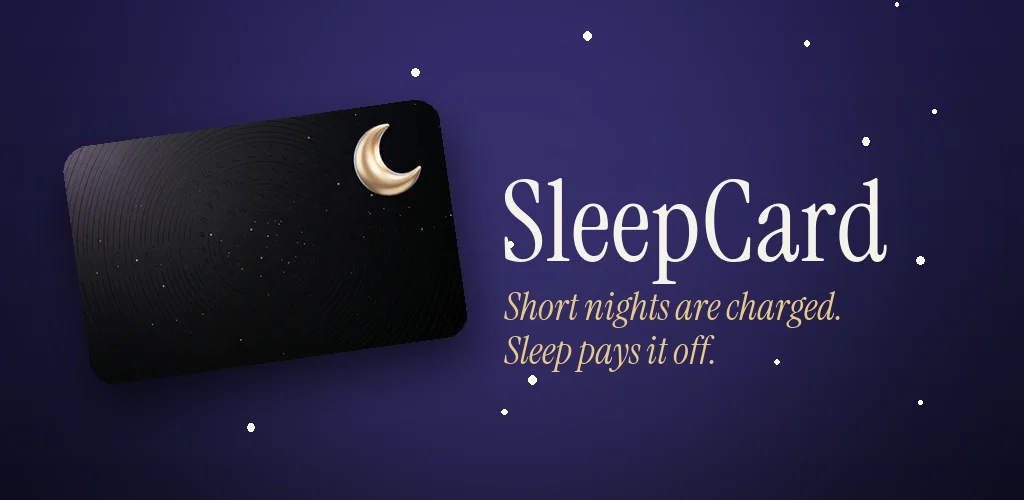
Short nights are charged. Sleep pays it off.
SleepCard turns sleep into a credit card. Nights shorter than you need are charged to your card, extra sleep pays it off, and a weekly bill keeps you honest. Steady habits build a sleep credit score that unlocks better cards.
Coming soonon Google Play
Coming soonon the App Store
Free, with ads · Works without a wearable · No account
How it works
Sleep debt you can see, and pay off.
- 01
Sleep, and it is recorded
Link Health Connect on Android or Apple Health on iPhone, or log nights yourself with “Going to bed” and “I’m up”.
- 02
Get your morning receipt
Sleep less than you need and the shortfall is charged to your card. Sleep more and it pays the balance down.
- 03
Pay the weekly bill
Every Monday brings a statement with a target. Hit it, keep your bedtime steady and your sleep credit score climbs.
Why it works
A bill is harder to ignore than a score.
- A bill, not a lecture
- Short nights become charges and good nights become payments, so sleep debt is a number you can actually pay off.
- Sleep credit score
- A score from 300 to 900 built from bedtime consistency, your balance, bills paid on time and how often you log.
- Cards worth earning
- Start on Silver and work up to Gold, Platinum and Black by holding a good score for 30 days.
- No wearable needed
- Use the sleep your watch or phone already records, or log nights by hand with two taps.
- Weekly statements
- See every charge, payment and fee for the week, with an eight-week trend of your balance.
- Home screen widget
- Check your balance and score at a glance, and tap “Going to bed” straight from your home screen.
The wallet
Four cards. Earn each one.
Everyone starts on Silver. Hold a score of 650 for 30 days for Gold, 750 for Platinum and 830 for Black. Earned cards stay in your wallet, and you can share one as an image without any sleep times on it.
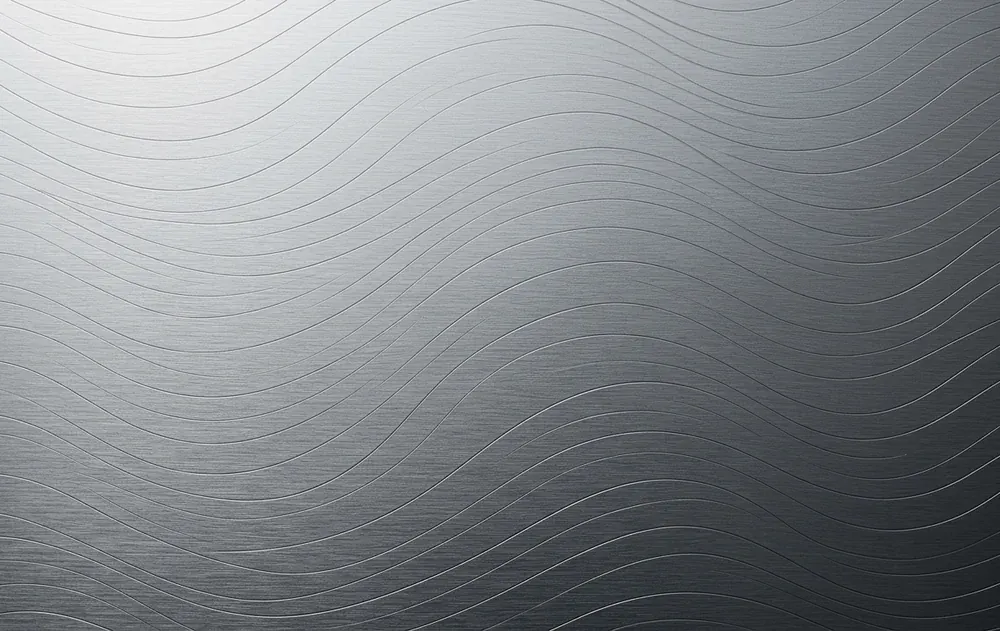 SleepCardSilver
 SleepCardGold
 SleepCardPlatinum
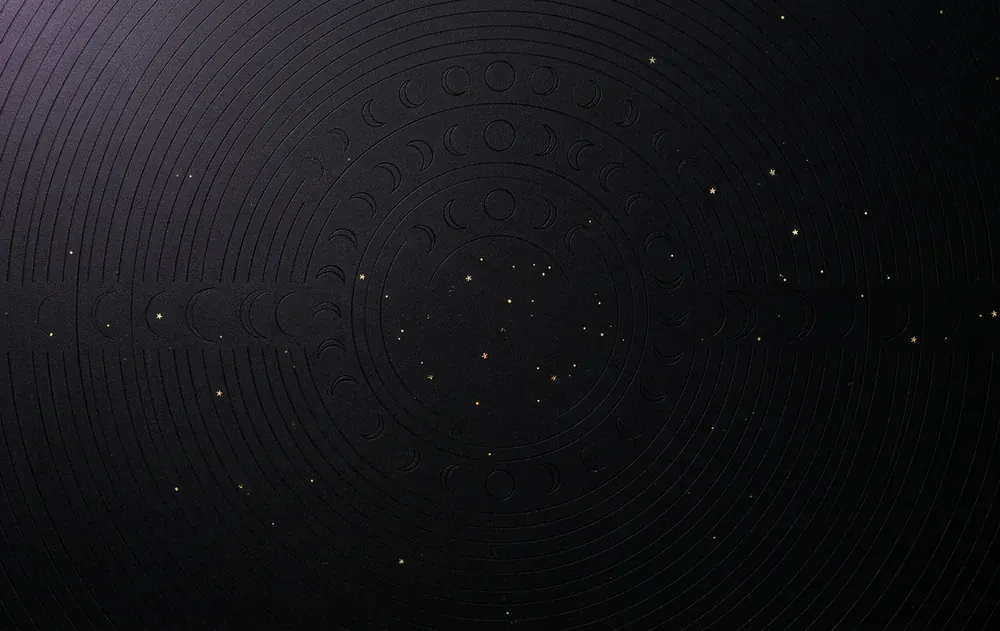 SleepCardBlack
Good to know
Free to use, clear about how.
Your sleep stays on your phone
Sleep read from Health Connect or Apple Health, and nights you log yourself, are stored on your device, not on a server. They are never sent to us, shared or used for ads.
Ads, removable with one purchase
The app is supported by ads. A one-time “Remove Ads” purchase turns them off. There is no account and no subscription.
Not a medical device
SleepCard is a general wellness app. It does not diagnose anything, and the “card” involves no real money. Read the privacy policy.
Free vs paid
Every feature is free. Paying just removes the ads.
“Remove Ads” is one optional purchase on Google Play or the App Store, paid once, with no subscription. Restore it on a new phone from the app's settings.
| Feature | Free | Remove Ads |
|---|---|---|
| Sleep from Health Connect, Apple Health or your own log | Included | Included |
| Morning receipts, weekly statements and the sleep credit score | Included | Included |
| Silver, Gold, Platinum and Black cards | Included | Included |
| Home screen widget | Included | Included |
| Banner ads | On the statement, credit report and sleep log | None |
| Full-screen ad | At most once a week, after a statement | None |
| Ads at bedtime (9 pm to 6 am) | None | None |
| Waive a fee (once a month) | Watch a short video | No video needed |
| Preview a locked card for 24 hours | Watch a short video | No video needed |
| Price | Free | One-time purchase, no subscription |
Pay off your sleep debt, one night at a time.
Coming soonon Google Play
Coming soonon the App Store
SleepCard is published by Thryve Apps.
More from Thryve
All apps- Thryve PDFEverything you do to a PDF, in one place.Web
- Thryve PhotoResize, clean up and export any image.Web
- Thryve MediaTrim, join and convert video and audio.Web
- Thryve InvoiceGST-ready invoices and quotes in minutes.Web
 Declutter!A cozy puzzle game about tidy drawers.Mobile
 PANAMYour money in one place, kept on your phone.Mobile
 Desi BlocksA block puzzle with a desi heart.Mobile
 Habit CricketA habit tracker scored like a cricket innings.Mobile
 TidemarkSee where your disk space went, and why.Windows
 DockieA shelf at the top of your screen.Windows