
Skip to content
Thryve

Open-source document tools

Document and diagram tools with open-source options and clearer data boundaries.

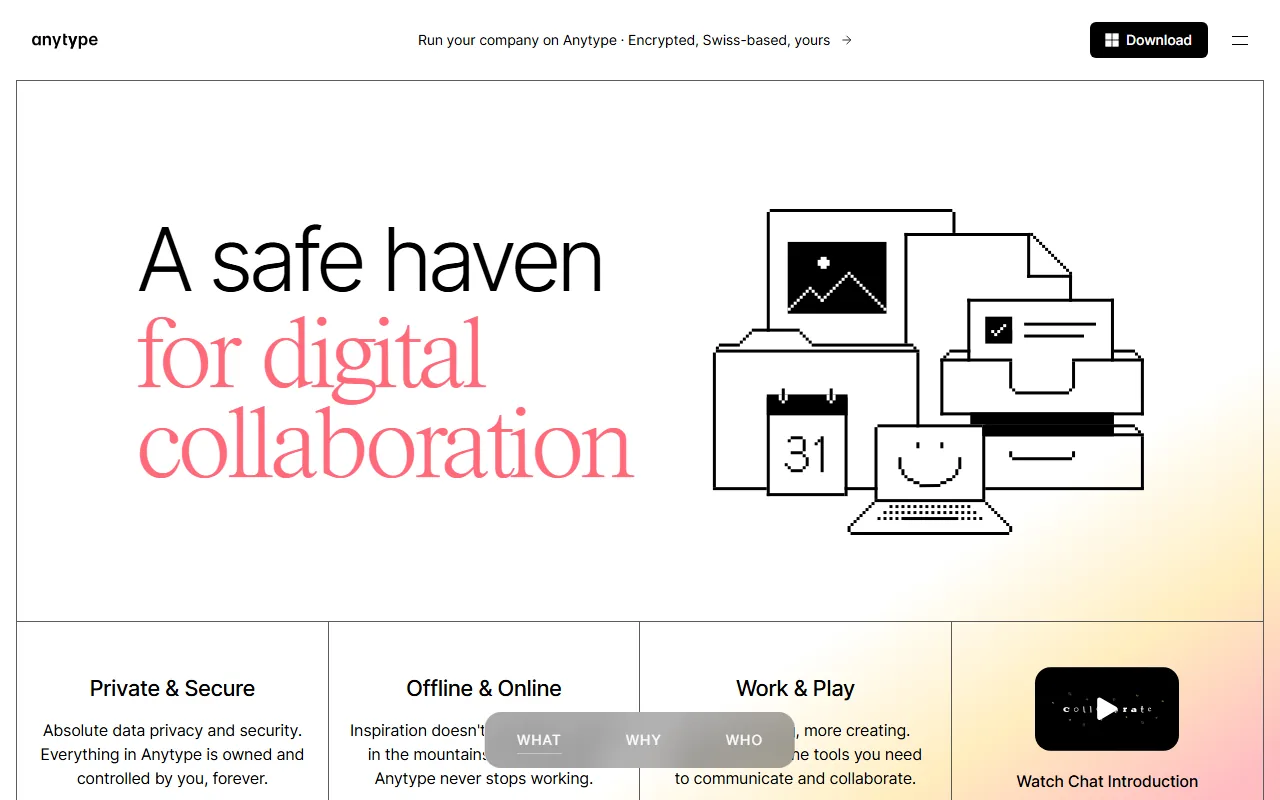
Anytype homepage showing local-first knowledge workspace
Anytype logo

Anytype

A local-first encrypted workspace for notes, databases and shared spaces with optional peer-to-peer synchronization and self-hosting.

  • Hybrid
  • Source available
  • Self-hostable
  • Works offline
  • End-to-end encryption
  • Desktop · Mobile · Self-hosted
Freemium
View privacy profile
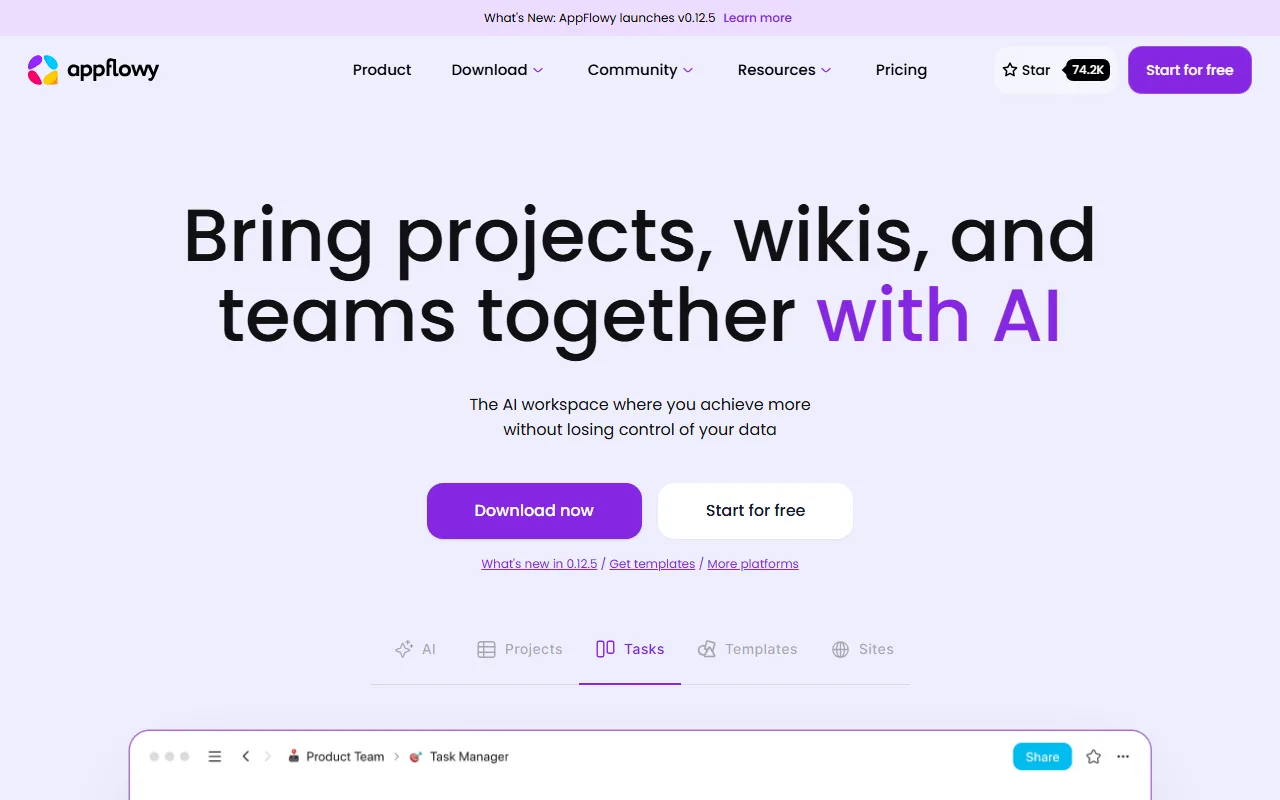
AppFlowy homepage showing open-source workspace
AppFlowy logo

AppFlowy

An open-source collaborative workspace with documents, databases, boards, local data, cloud synchronization, and self-hosted deployment options.

  • Hybrid
  • Open source
  • Self-hostable
  • Optional account
  • Works offline
  • Web · Desktop · Mobile
Open core
View privacy profile
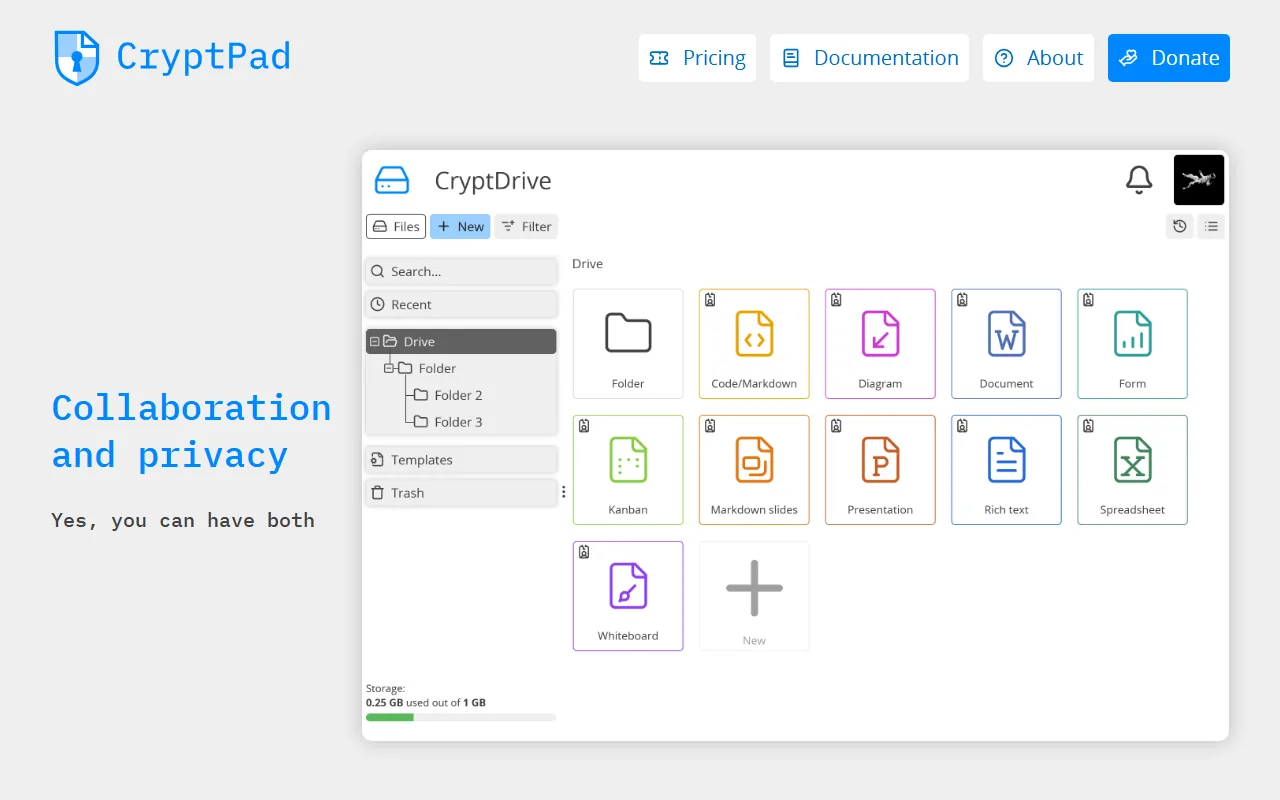
CryptPad homepage showing encrypted collaborative documents
CryptPad logo

CryptPad

An open-source suite for end-to-end encrypted collaborative documents, spreadsheets, forms, whiteboards and shared drives.

  • End-to-end encrypted cloud
  • Open source
  • Self-hostable
  • Optional account
  • End-to-end encryption
  • Web · Self-hosted
Freemium
View privacy profile

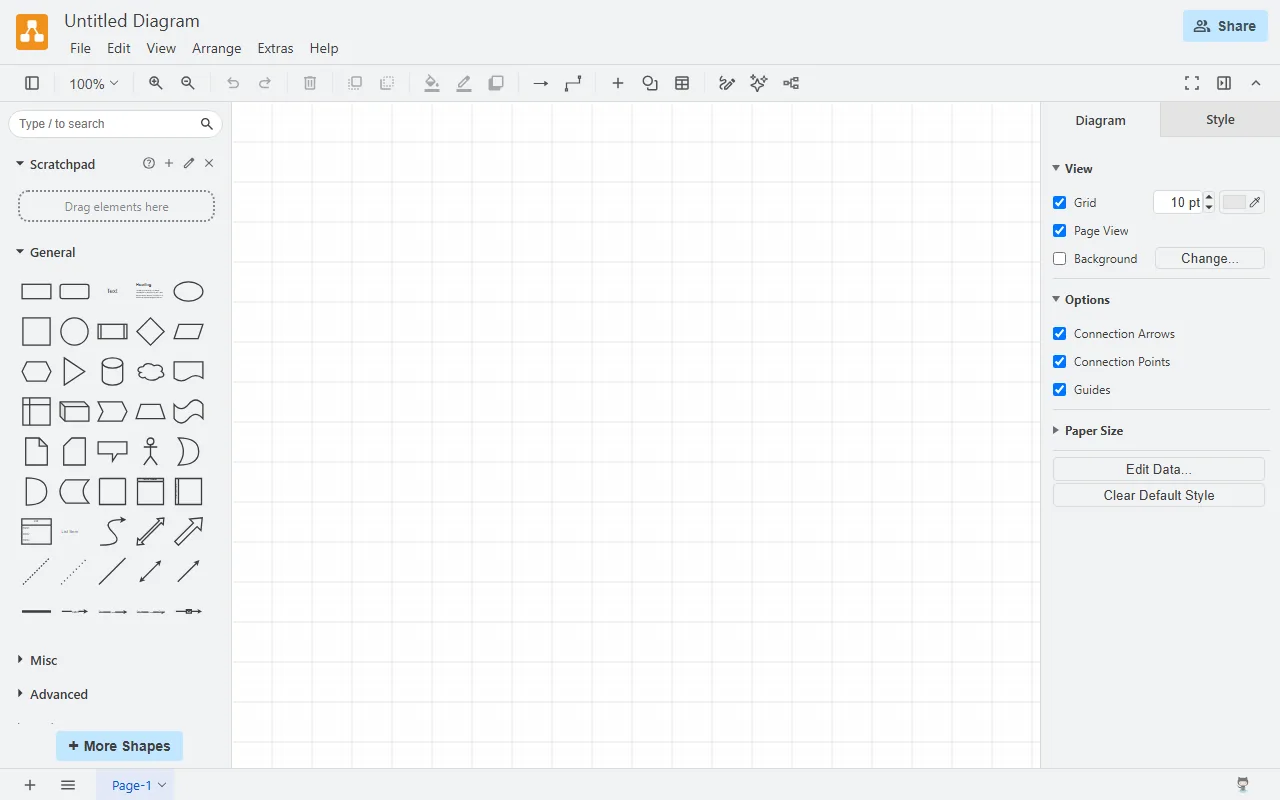
diagrams.net (draw.io) editor in the browser
diagrams.net logo

diagrams.net

A free open-source diagram editor that can save files locally or to storage providers selected by the user.

  • Local-first
  • Open source
  • Self-hostable
  • No account
  • Works offline
  • Web · Desktop · Self-hosted
Free
View privacy profile
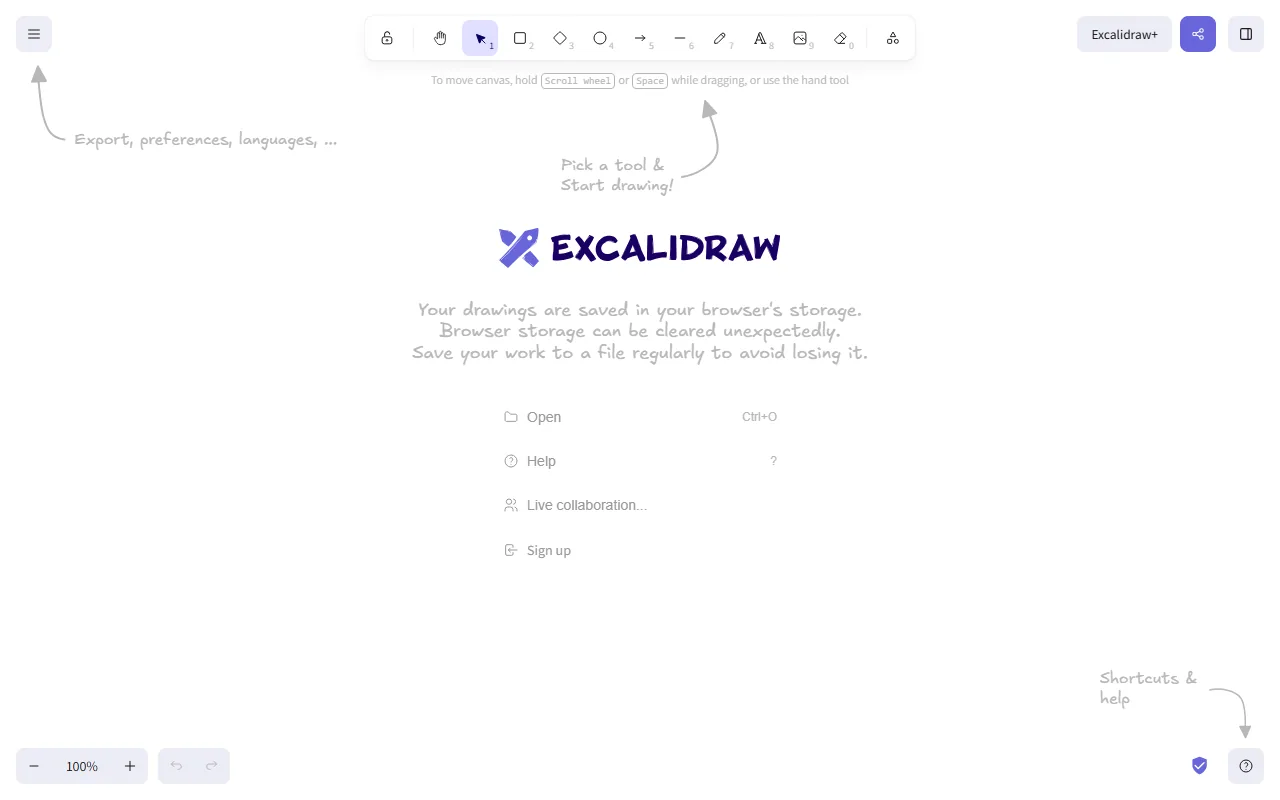
Excalidraw whiteboard canvas in the browser
Excalidraw logo

Excalidraw

An open-source virtual whiteboard for hand-drawn-style diagrams, with local editing and optional encrypted collaboration.

  • Hybrid
  • Open source
  • Self-hostable
  • Optional account
  • Partial offline
  • Web · Self-hosted
Freemium
View privacy profile
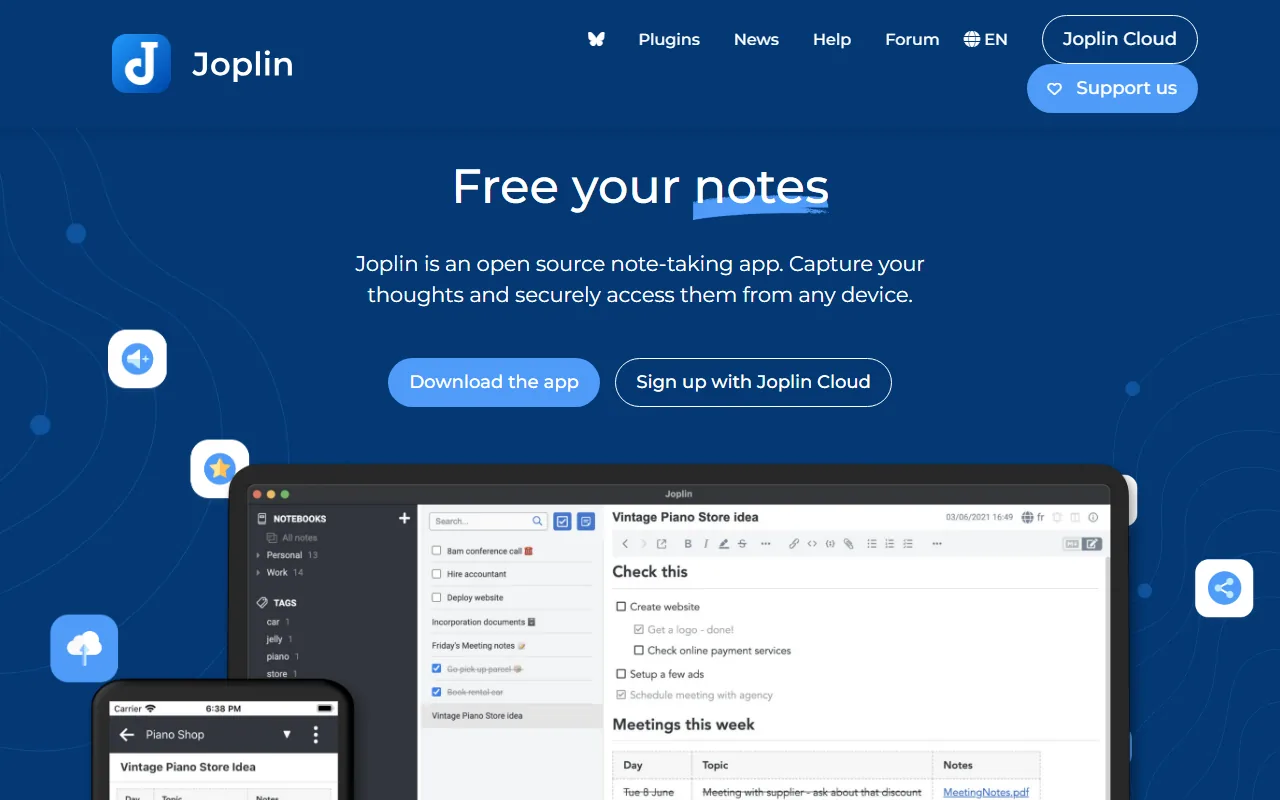
Joplin homepage showing note-taking application
Joplin logo

Joplin

An open-source note and to-do application that stores data locally and can synchronize through user-selected services or Joplin Cloud.

  • Local-first
  • Open source
  • Partially self-hostable
  • Optional account
  • Works offline
  • Desktop · Mobile · CLI
Freemium
View privacy profile

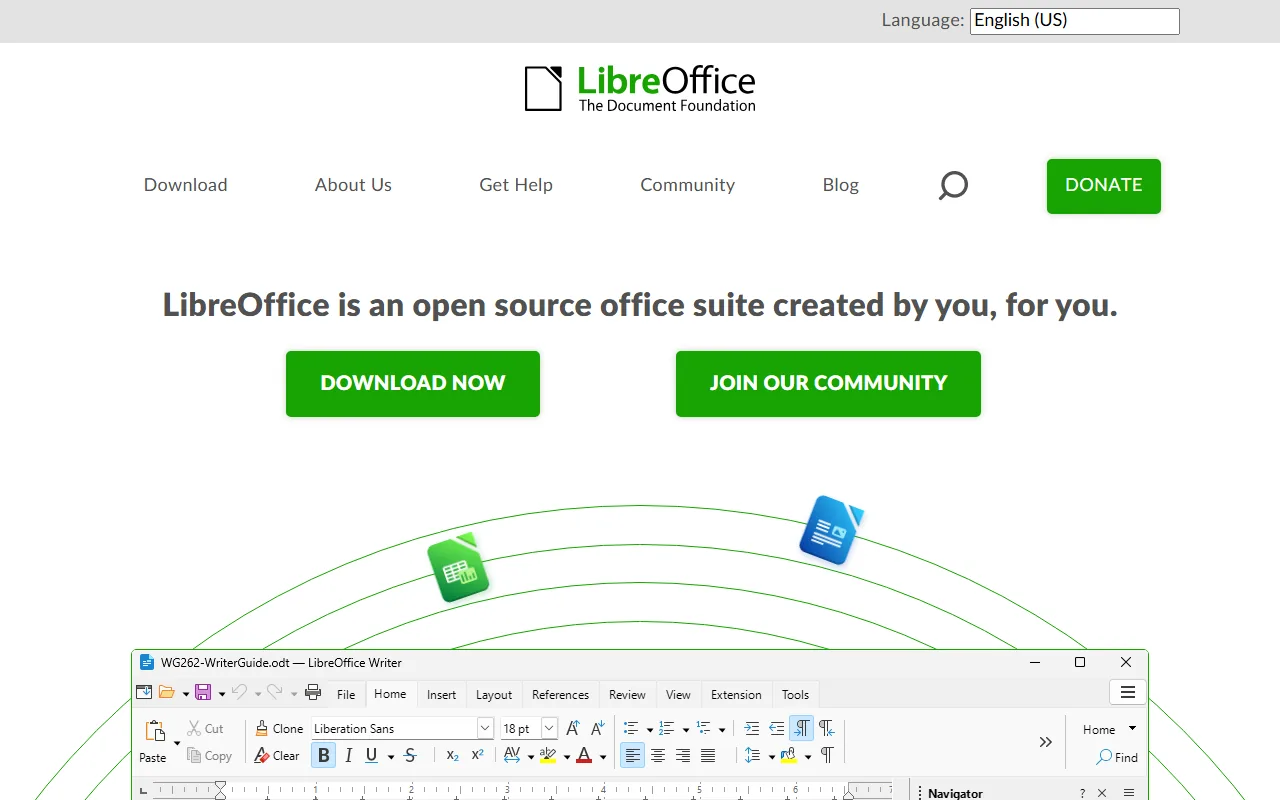
LibreOffice homepage showing free office suite
LibreOffice logo

LibreOffice

A free open-source desktop office suite for documents, spreadsheets, presentations, drawings, formulas, and databases.

  • On-device
  • Open source
  • No account
  • Works offline
  • Desktop
Donation
View privacy profile
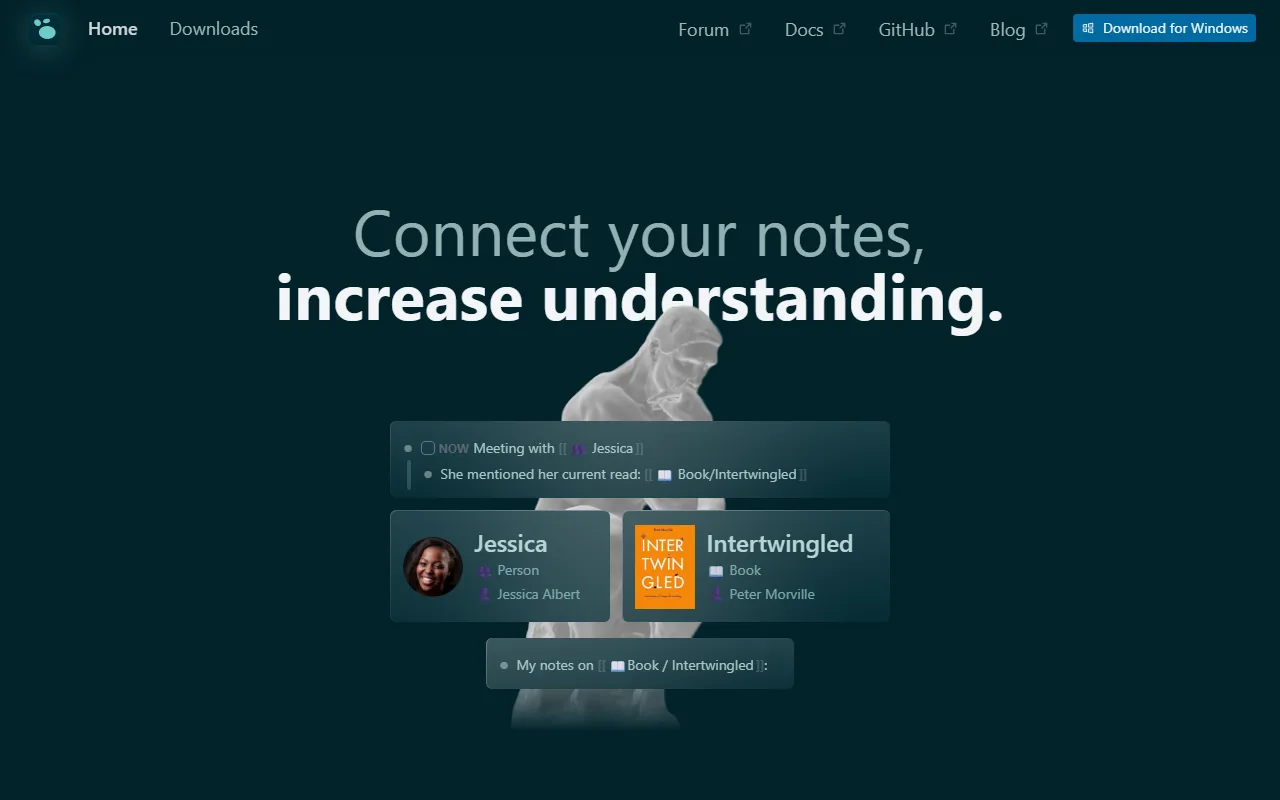
Logseq homepage showing local-first knowledge graph
Logseq logo

Logseq

An open-source local-first outliner and knowledge base that works with user-controlled Markdown or Org-mode data.

  • Local-first
  • Open source
  • Partially self-hostable
  • Optional account
  • Works offline
  • Desktop · Mobile
Freemium
View privacy profile
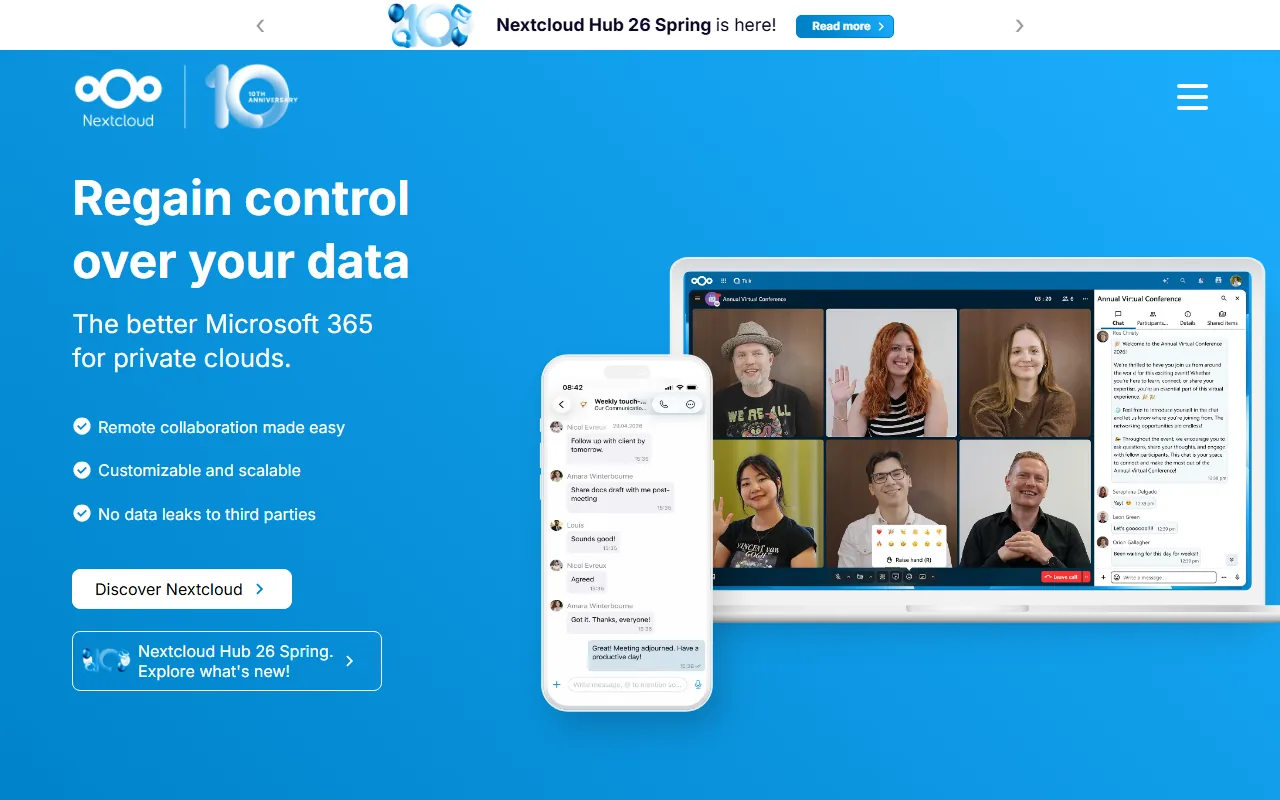
Nextcloud homepage showing self-hosted collaboration suite
Nextcloud logo

Nextcloud

An open-source self-hosted collaboration platform for files, communication, groupware, and extensible applications.

  • Self-hostable
  • Open source
  • Partial offline
  • Self-hosted AI
  • Web · Desktop · Mobile
Open core
View privacy profile
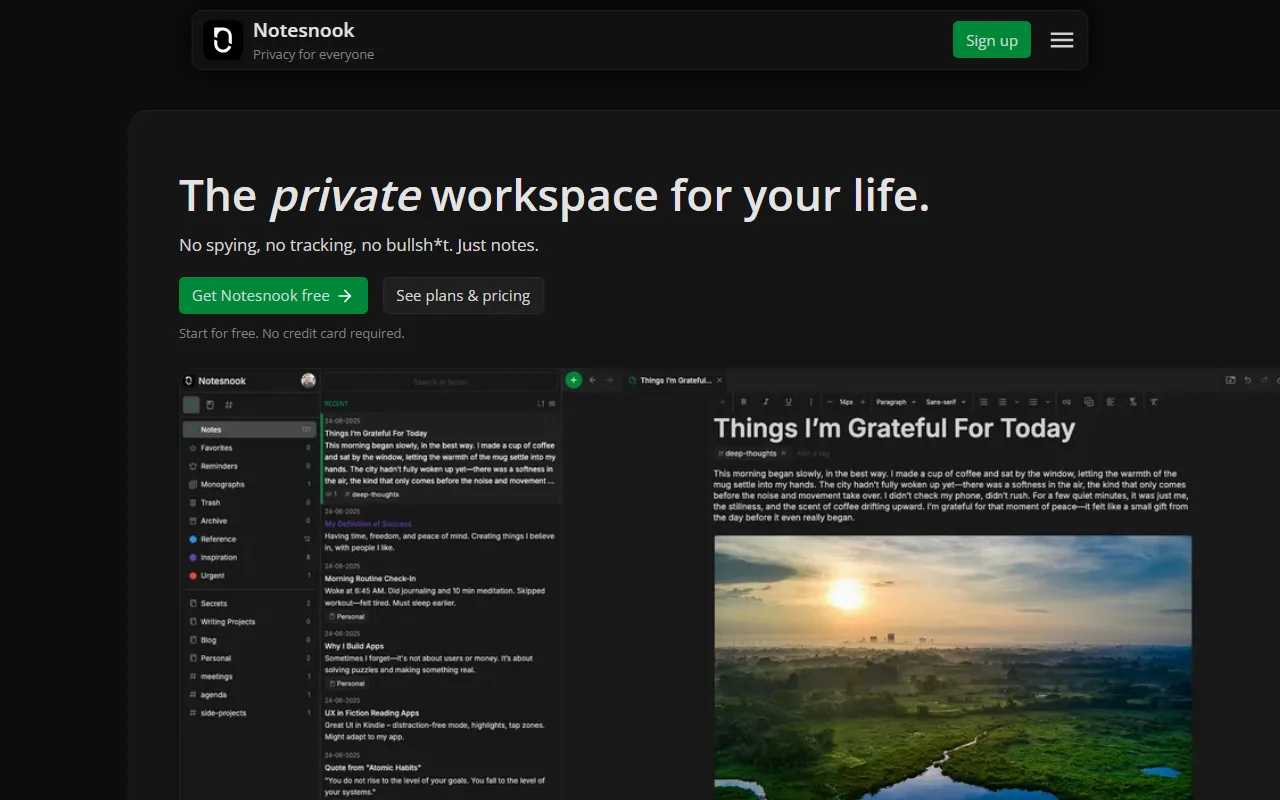
Notesnook homepage showing end-to-end encrypted notes
Notesnook logo

Notesnook

An open-source zero-knowledge notes application with end-to-end encrypted synchronization and optional self-hosting.

  • Hybrid
  • Open source
  • Self-hostable
  • Works offline
  • End-to-end encryption
  • Web · Desktop · Mobile
Freemium
View privacy profile
ONLYOFFICE homepage showing document suite
ONLYOFFICE logo

ONLYOFFICE

An office-suite family with desktop, mobile, hosted, and self-hosted document-editing and collaboration products.

  • Hybrid
  • Self-hostable
  • Works offline
  • Web · Desktop · Mobile
Open core
View privacy profile
Paperless-ngx GitHub project page for document management
Paperless-ngx logo

Paperless-ngx

An open-source self-hosted document-management system for scanning, OCR, classification, search and archival.

  • Self-hostable
  • Open source
  • Partial offline
  • Web · Self-hosted
Donation
View privacy profile
pdfzus Hero
pdfzus Logo

pdfzus

Privacy-focused browser PDF tool for merging, reordering and compressing PDFs locally on your device. Files stay on your device, no account is required, and exports have no waterma

  • On-device
  • Web
Free
View privacy profile
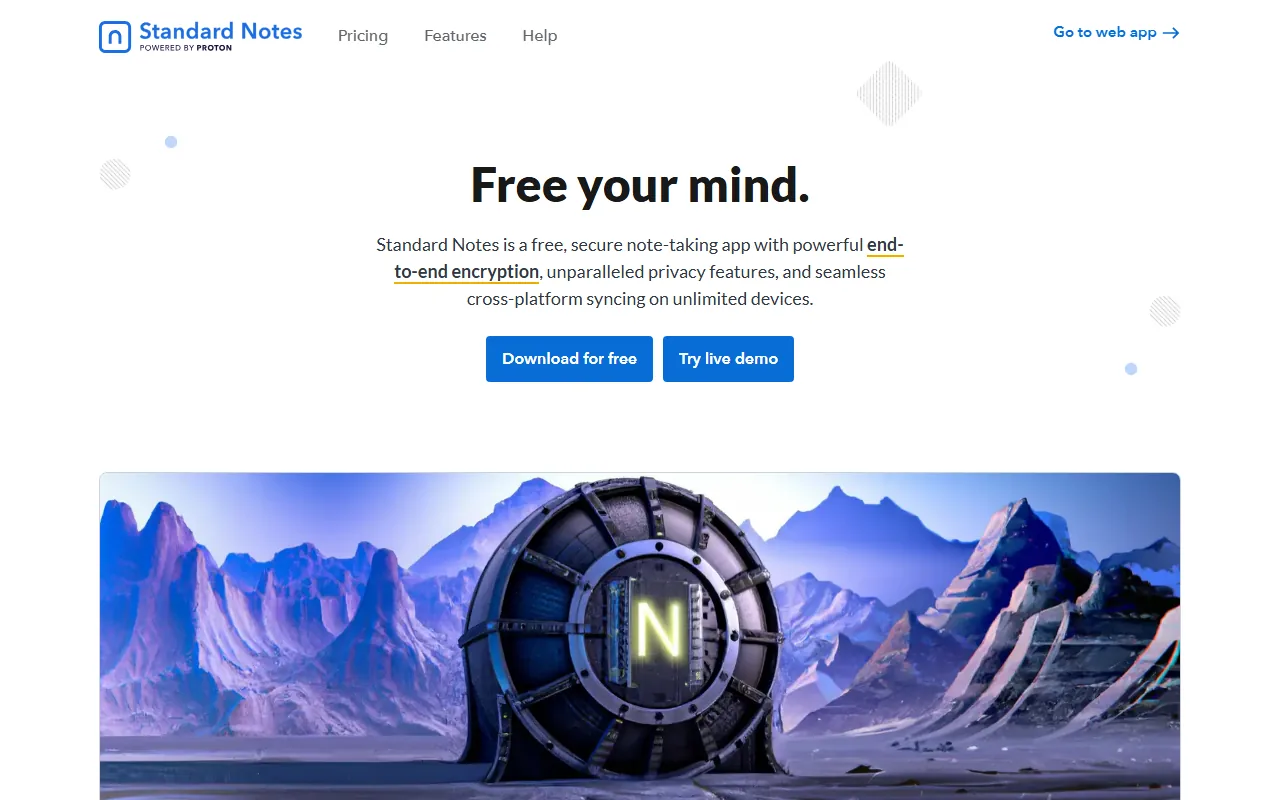
Standard Notes homepage showing encrypted notes app
Standard Notes logo

Standard Notes

A cross-platform notes application that encrypts notes and files on the user's device before synchronization.

  • End-to-end encrypted cloud
  • Open source
  • Self-hostable
  • Works offline
  • End-to-end encryption
  • Web · Desktop · Mobile
Freemium
View privacy profile
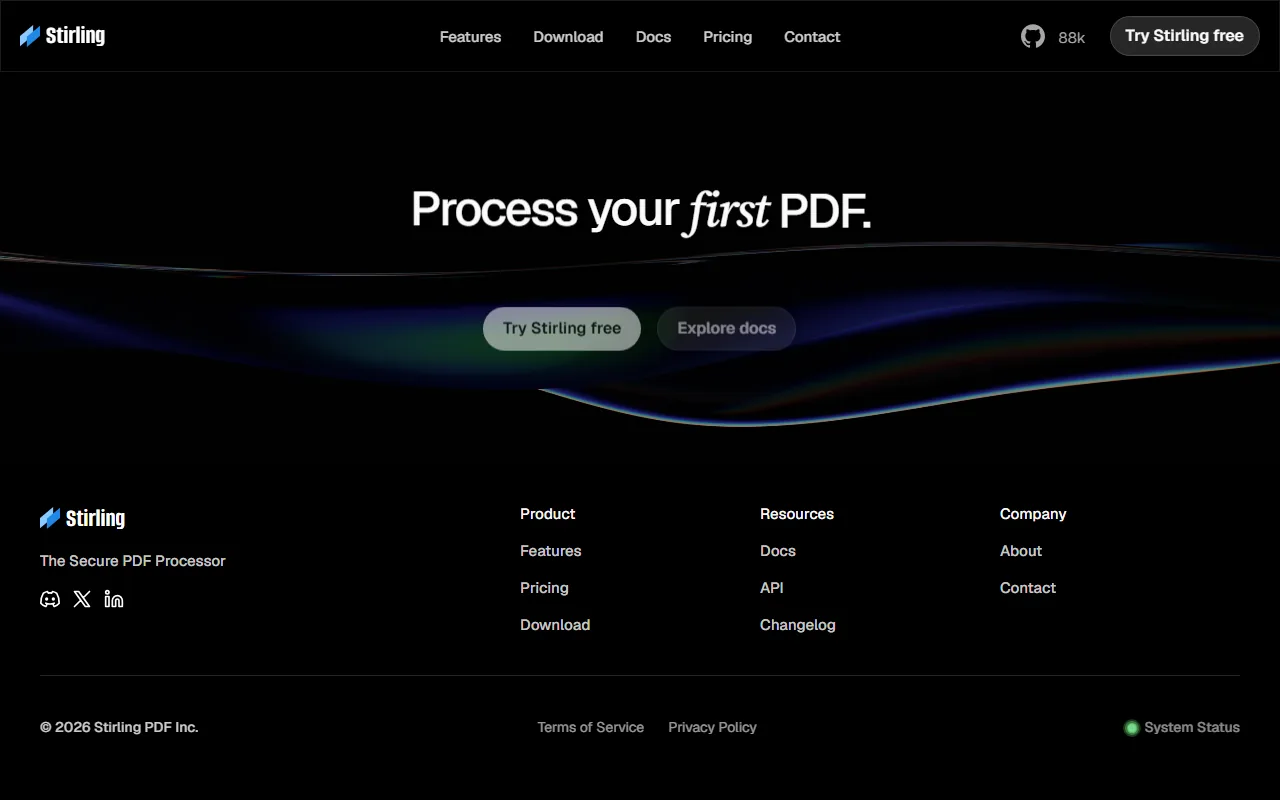
Stirling PDF homepage showing self-hosted PDF toolkit
Stirling PDF logo

Stirling PDF

An open-core PDF toolbox that can run as a desktop application or on a private self-hosted server.

  • Self-hostable
  • Optional account
  • Works offline
  • Web · Desktop · Self-hosted
Open core
View privacy profile
About this collection

Why this collection exists

Document work often mixes editing, storage, collaboration, and export. This collection highlights tools where source availability is open or source-available and the primary job is documents, notes, diagrams, or office files, allowing teams and individuals to inspect, self-host, or run software with clearer ownership of the stack.

Privacy context

Open source improves auditability and deployment choice; it does not guarantee that your files stay local. Many open document tools still sync to servers you or a host operate. Use this collection to shortlist inspectable tools, then compare processing, storage, and account requirements per product.

Inclusion criteria

Membership is curated against the rules below. It is not an automatic filter and does not grant review or verification status.

  • Ownership source is open source or source available on the catalogue privacy profile.
  • Primary category or job-to-be-done is documents, notes, diagrams, office suites, or closely related document workflows.
  • Self-hostable deployments may appear when they serve document collaboration, but pure chat or VPN tools are out of scope here.
  • Open source does not imply on-device processing; always read storage, sync, and identity fields on the profile.